 TrainWake
Sleep on the train. We’ll wake you at your stop.
TrainWake runs quietly in the background, notices when you board your known line, works out which end of the line you’re heading toward, and fires a loud alarm at the station — with zero daily interaction.
See it in action
Four cities, one ride.
The same arc on every line: lock on, ride along, get a nudge, then a loud wake-up at your stop. Pick a city to see TrainWake on that journey.
Domestic Airport → Roma Street·Airport Line
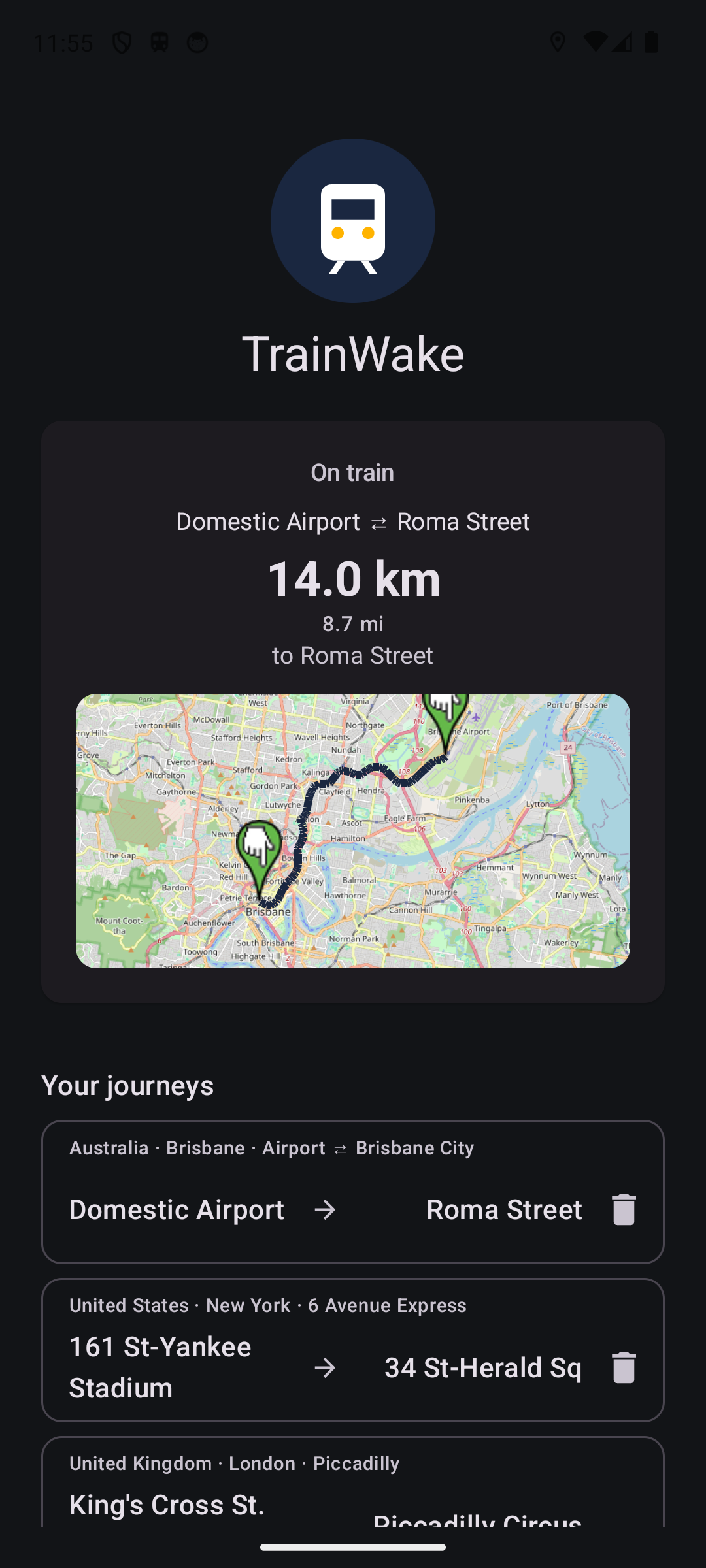 Step 1Locked
TrainWake locks onto the line you're riding.
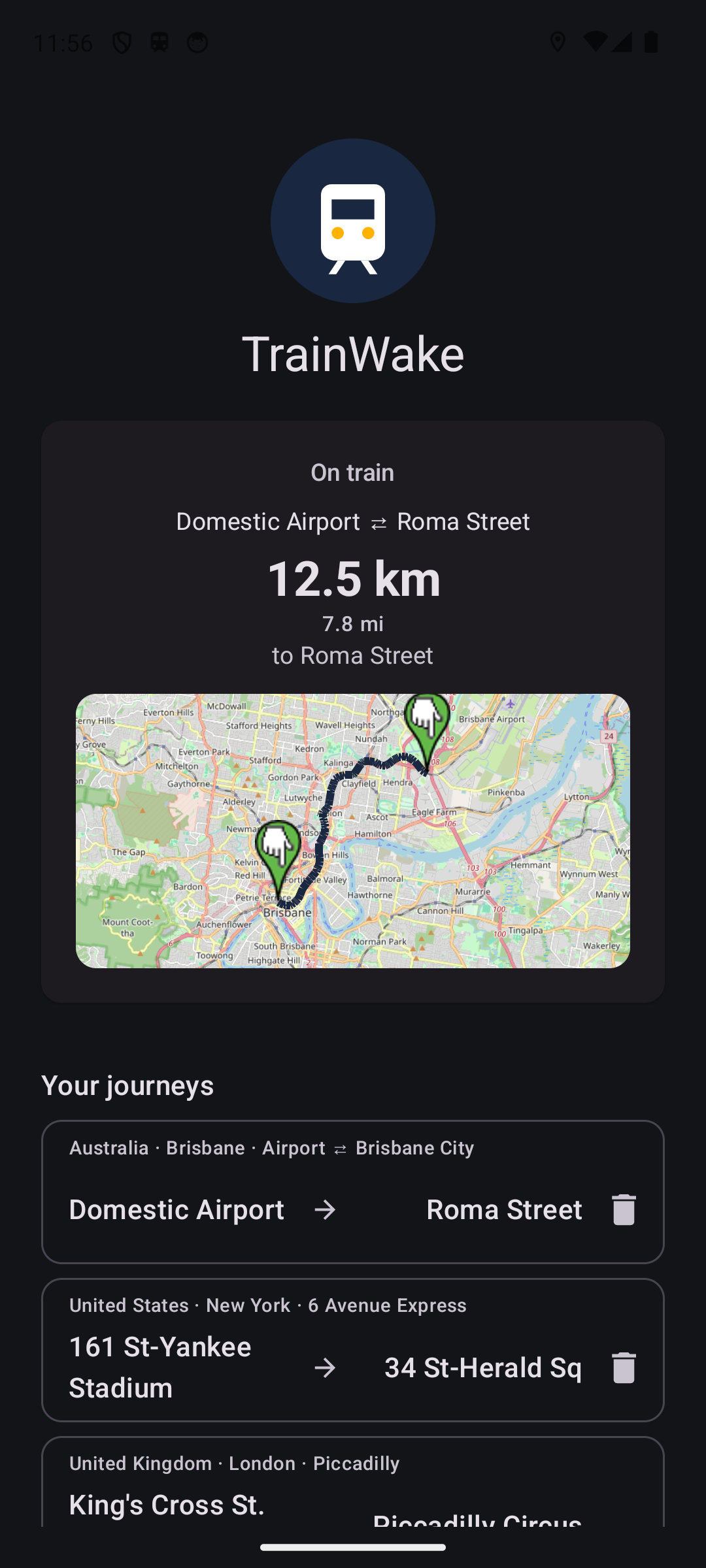 Step 2Mid-trip
Distance to your stop ticks down as you go.
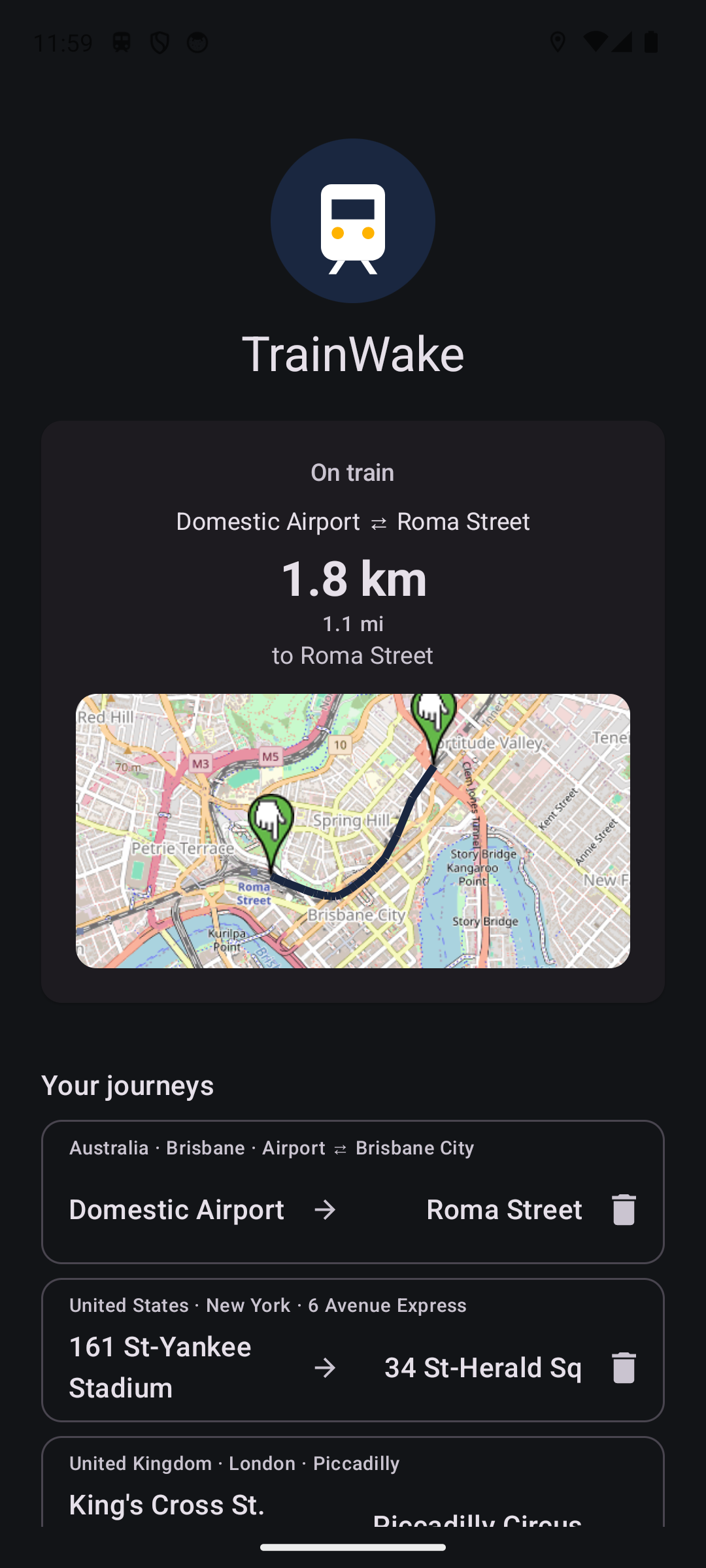 Step 3Approaching
Gentle nudge a few stops out.
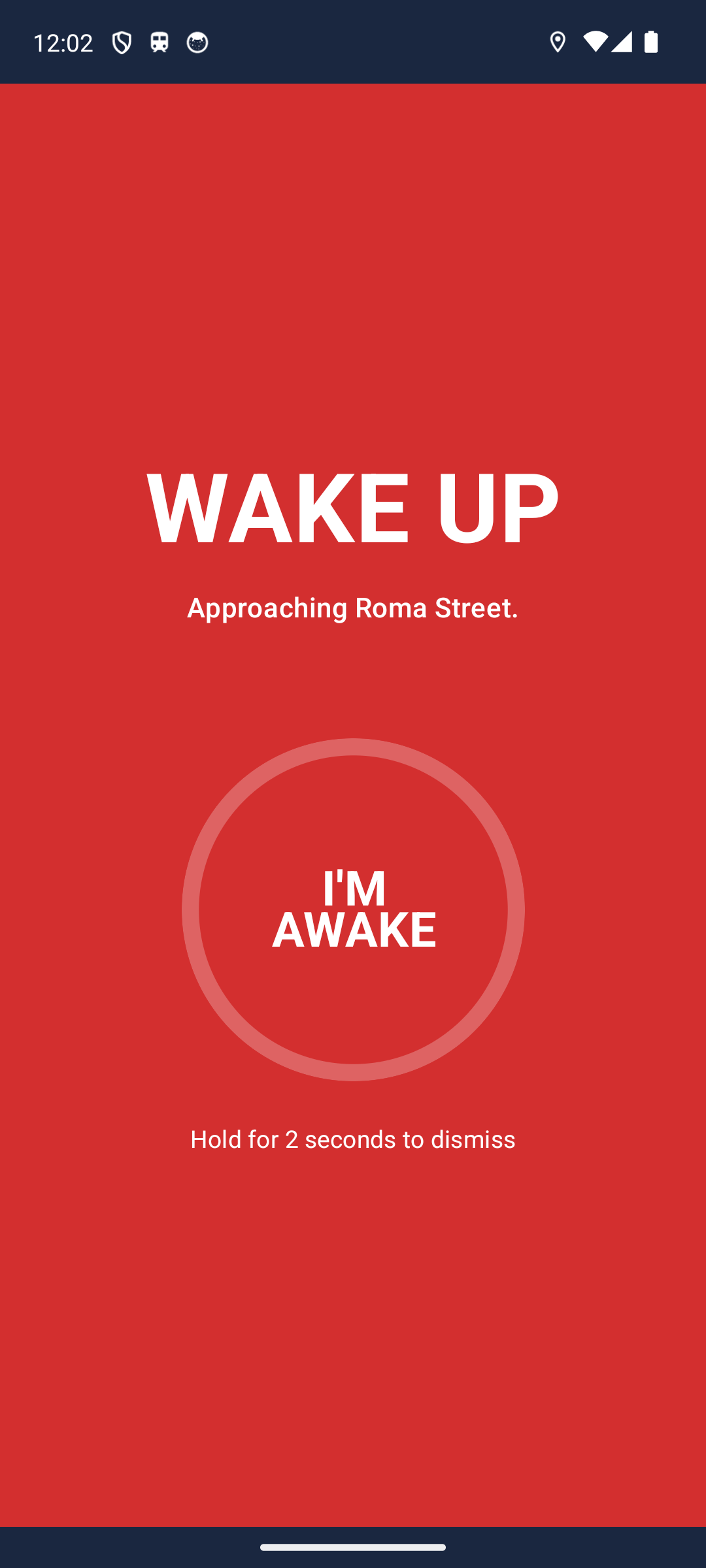 Step 4Wake up
Full-screen alarm at the station.
Why TrainWake
Set and forget
Add the journeys you ride. After that, no daily interaction — TrainWake watches every journey at once.
Knows which way you're going
Each journey has a destination at each end (e.g. home and work). TrainWake figures out which one you're approaching today.
Battery-aware
A hardware motion sensor catches when you start moving, backed by a low-rate GPS check as a safety net. Full tracking only kicks in once you're at vehicle speed.
Loud, sustained alarm
Plays over silent mode, vibrates, lights the lock screen. A two-second hold dismisses, so a sleepy tap can't silence it.
Trip history
Every detected trip is logged on-device — when, which journey, which destination, how it ended.
Speaks your stop
ProAnnounces “Approaching Roma Street, please wake me” between alarm bursts, so a nearby passenger can help.
And plenty more
- Runs in the background — Quietly armed even with the app closed — no need to launch TrainWake before your commute.
- Works anywhere — Preloaded lines for Australia, New Zealand, USA, Canada, UK and Mexico — built and tested on lines in South East Queensland.
- Always-on status — Persistent status bar shows armed/watching, then live distance once you board.
- Two-stage wake — Soft nudge a few stops out, loud alarm at the station — never jolted awake early.
- Tunnel-resilient — Projects along the line through GPS dropouts; fires preemptively if you're near home and still dark.
- Survives station stops — Train sitting at a platform for five minutes? TrainWake stays armed — station stops never trip the disarm logic.
- Smarter as you get closer — GPS polling tightens from 30s → 20s → 10s as your stop nears, so the alarm fires within a few hundred metres of the station.
- No account needed — No signup, no login, no email. Install it, set your route, go.
- Survives reboots — Auto-restarts after a phone reboot, so the morning commute starts armed.
- Beats battery killers — Detects aggressive OEMs (Xiaomi, OnePlus, Samsung) and walks you through allowlisting.
- False-alarm proof — Demands five consecutive on-line GPS fixes above 40 km/h before locking onto a journey.
- Track-accurate distances — Measured along the rail line, not as the crow flies — 2 km of track means 2 km of track.
- Disarms if you bail early — Get off mid-route? TrainWake notices when you walk away from the line and silently disarms — no stale alarm waiting for you.
- Your distances, your call — Nudge 1–10 km (default 5); alarm 0.5–5 km (default 2). Tune to how deeply you sleep.
- Harder to silence Pro — Stretch the dismiss hold from 2 seconds up to 10. Heavy sleeper? A sleepy tap can't kill the alarm before you're really awake.
- Many journeys at once Pro — Add every commute you ride — TrainWake watches them all simultaneously, no manual switching.
- Ad-free Pro — The free app shows a banner and an occasional full-screen ad. Pro removes every ad, for good.
- Record any line — Off the catalogue? Take the trip once and TrainWake saves the line for next time.
How it works
- 1
Add a journey
Record by riding once, or pick a line from the built-in catalogue (Australia, US, Canada, Mexico, NZ, UK).
- 2
TrainWake watches
A background service quietly waits for Activity Recognition to spot when you board. Five consecutive on-line GPS fixes at train speed lock onto the journey.
- 3
Nudge and alarm
A gentle nudge a few stops out, then a loud alarm at the station. Dismiss with a sustained two-second hold.
Your data stays on your phone
Your journeys and trip history stay on your phone — no account, no backend, no analytics of our own. The free version shows ads through Google AdMob; TrainWake Pro is completely ad-free.
Read the privacy policy